

October 21, 2026
What Google Business Profile Signals Actually Move Rankings for Trades
Most calls for furnace repair, water damage, or a roof leak start on the map. Which Google Business Profile settings actually move your ranking there, what Google confirms, and what to fix this week.
By Mark Hope, Founder, President & Chief Strategy Officer, Asymmetric Marketing
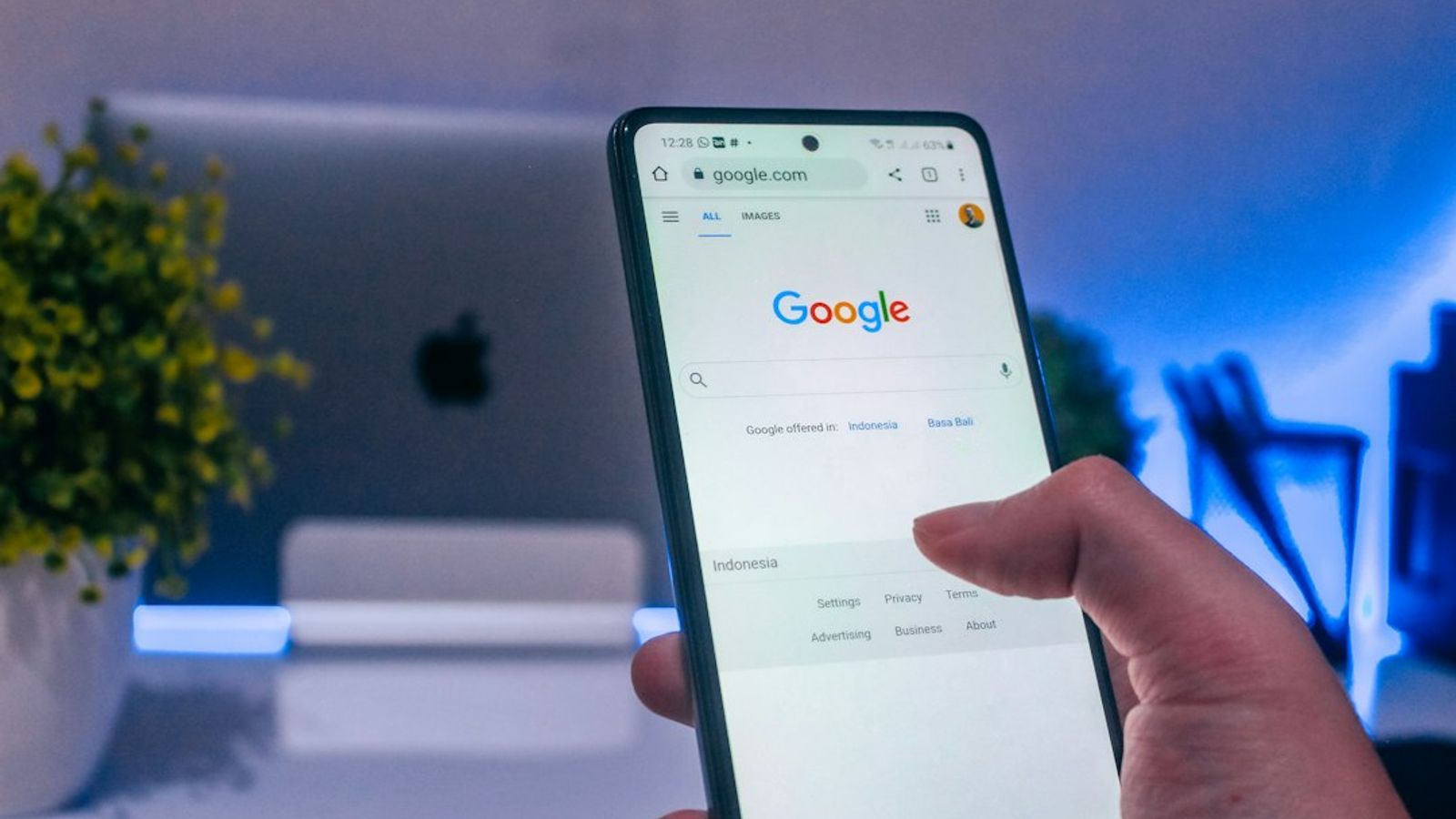
Most calls for water damage cleanup, furnace repair, or a leaking roof start the same way: someone searches on their phone, sees a map with three businesses under it, and calls one of them. Being in that top three, the local pack, versus being buried under "More places" is often the difference between a full schedule and crews waiting for work.
Your Google Business Profile is the main thing Google uses to decide who shows up there. This article covers which profile signals Google itself confirms, which ones we see move rankings for trade businesses, and what to fix first. Where something is our experience rather than Google's documentation, we say so.
Key takeaways
- Google ranks local results on relevance, distance, and prominence, and says there's no way to pay for a better local ranking.
- Your primary category is the strongest relevance setting you control, and one of the settings we most often find wrong.
- Distance is measured from where your business is based. Your service area tells customers where you'll go; it doesn't stretch your ranking radius.
- Reviews are a confirmed prominence signal. Google says more reviews and positive ratings can help your local ranking.
- Your website has to back up the profile. A service listed on your profile with no page about it on your site is a weak signal.
The three factors Google confirms
Google's help page on local ranking is short and worth reading. It says local results are based mainly on three things, and that there's no way to request or pay for a better ranking:
- Relevance: how well your profile matches what someone searched for. Google says complete, detailed business information helps it match you.
- Distance: how far your business is from the searcher, or from the location in their search.
- Prominence: how well-known your business is. Google says this draws on things like how many websites link to you and how many reviews you have, and that more reviews and positive ratings can help.
Distance is mostly fixed by where your shop is. Relevance and prominence are where an owner who pays attention can beat a franchise location whose profile is managed from head office.
Primary category: the biggest relevance lever
Your primary category tells Google what your business is first and foremost. It decides which searches you're even considered for. Google's guidelines say to choose categories that complete the sentence "this business is a..." rather than "this business has a...", to be as specific as possible, and to use as few as you need.
Common category mistakes we see in trades:
- A restoration company listed as "General contractor" instead of "Water damage restoration service."
- A mold and asbestos firm listed as "Home inspector" instead of a mold inspection or environmental category.
- An HVAC company listed under an equipment supplier category instead of "HVAC contractor."
- A roofer listed as a building materials supplier.
To check yours, search Google Maps for your main service and town, such as "water damage restoration Madison WI." Look at the primary category of the three businesses in the pack. If they rank with a category that describes you better than yours does, change it. It costs nothing and takes five minutes, though the effect can take a few weeks to show.
Secondary categories and services
Secondary categories and the services list fill in the rest of what you do. A remediation firm might add mold remediation and asbestos testing; its services list might include mold removal, asbestos abatement, and air quality testing. Each one gives Google another way to match you to a real search.
Two rules keep this from backfiring. Only list what you actually do, because a category that doesn't fit makes you less relevant for the jobs you want. And match the services list to your website: if the profile says "furnace installation," there should be a furnace installation page on your site. Google says it can also pick up category information from your website and from mentions of your business around the web, so the two should agree.
Accurate business information
Google's ranking page says businesses with complete and accurate information are more likely to show up in local results. The basics:
- Business name exactly as it appears on your signage. Google's guidelines don't allow added keywords, taglines, or locations in the name, and stuffing them in can get the profile suspended.
- Address, or a service area if you go to customers.
- A phone number your business controls.
- Website link, hours, holiday hours, and emergency availability.
- Attributes that apply to you.
Then make sure the name, address, and phone number match on your website and in the directories customers use. Three different versions of your name and an old phone number on a directory send Google three different stories about one company. Check them once a quarter.
Location and service area: what you can and can't change
Distance is measured from where your business is based. For a service-area business that hides its address, the service area you set shows customers where you'll travel. In our experience it doesn't extend how far from your base you rank. Google allows up to 20 service areas and says the whole area shouldn't stretch beyond about two hours' drive.
That creates a real trade-off. A shop in an industrial park far from the neighborhoods you most want starts behind a competitor based closer to them. Faking your way around it doesn't work. Google's guidelines say a virtual office isn't eligible for a profile, a PO box isn't an acceptable address, and a business gets one profile per real, staffed location. Extra profiles for each truck or crew put your whole presence at risk of suspension.
What does work: pick the ZIP codes you can realistically win, set your service area to match, and build pages on your website for those towns so you can rank in organic results beyond your map radius. The Local Search Playbook walks through the service-area page pattern and a worksheet for choosing ZIP codes.
Reviews: the prominence signal you control most
Google says review count and rating feed prominence. Reviews also decide who gets the call once you're on the map, because the person searching compares star ratings and reads a few reviews before choosing.
What we see work for trades:
- Ask every customer, after every job, with a direct link to your review page, by email or text. In BrightLocal's 2025 survey of US consumers, email was the request people said they were most likely to act on.
- Reply to every review within a week, positive or negative.
- Keep the flow steady. A profile whose newest review is a year old looks inactive next to a competitor with new reviews this month.
Two things to avoid, because Google's review policy prohibits them: offering anything in return for a review, and asking only the customers you expect to be happy. The policy also says businesses shouldn't ask for specific content in a review, so don't script what customers write.
Photos and posts
Google lists photos and videos among the ways to improve your profile, and they help the person deciding whether to call you. Post real ones: before-and-after shots, your crew on a job, your trucks, and finished work. Don't show anything that identifies a customer's home without permission.
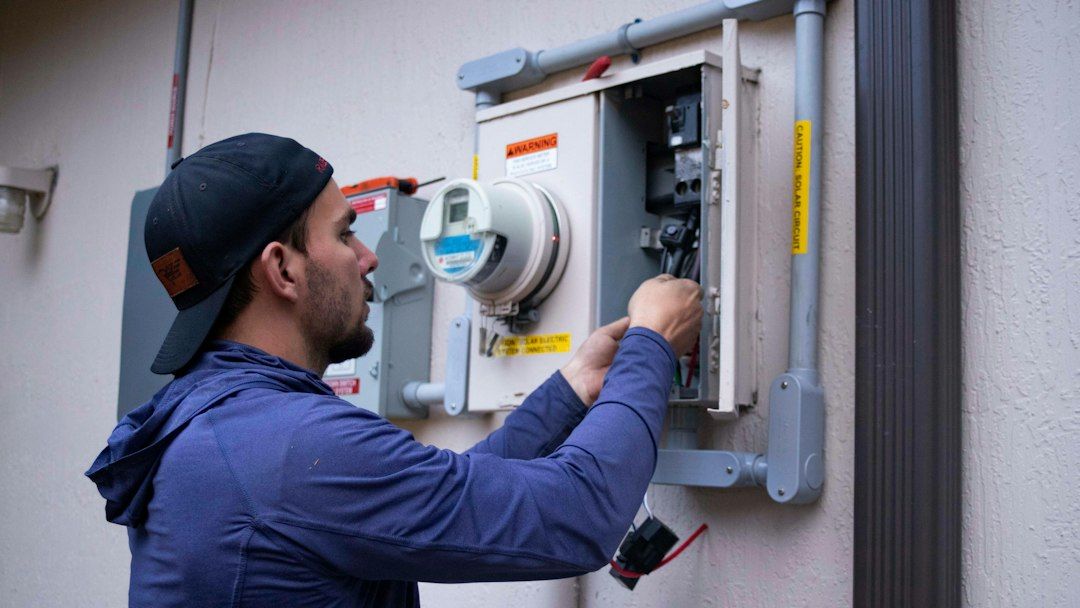
Regular posts about recent jobs, seasonal reminders, or safety tips keep the profile current. A caption like "Finished a full HVAC replacement in Sun Prairie this week" tells people where you work. We treat photos and posts as conversion tools first; Google doesn't list them as ranking factors.
Your website has to back up the profile
Your profile wins the map. Your website wins the organic results below it, including for towns too far from your base to rank on the map. The two need to say the same thing.
- A dedicated page for each main service, named the way customers search.
- Area pages for the towns you most want, with local jobs and reviews.
- Your name, address, and phone number in the footer, matching the profile.
- Structured data describing your business type, hours, and location, which helps but matters less than clear content.
Links and listings
Prominence also comes from the rest of the web. Google's ranking page mentions how many websites link to your business. For a trade business, the useful links are local: the chamber of commerce, supplier and manufacturer installer directories, trade associations, municipal contractor lists, and community organizations you sponsor. Consistent directory listings help Google confirm your details. A few good local links beat a long list of junk directories.
What profile engagement tells you
Google doesn't publish whether clicks, calls, or direction requests affect ranking, so we don't claim they do. They're still the numbers that matter to your business, and your profile's performance report shows them. Watch which searches show your profile, how many people call or ask for directions, and which ZIP codes the direction requests come from. If a profile gets views but few calls, the problem is usually the photos, the reviews, or the hours, not the ranking.
Mistakes that quietly cost rankings
- Duplicate or unverified profiles for the same business.
- A primary category set when the profile was created and never checked again.
- Different addresses or phone numbers on the profile, website, and directories.
- Hours that don't match when you actually answer the phone.
- A home address shown on a service-area profile, a PO box, or extra profiles per truck.
- Keywords stuffed into the business name. It sometimes gives a short bump, then gets edited or suspended.
If a competitor is stuffing keywords into their name, you can use "Suggest an edit" on their profile to report it.
What it looks like when the work compounds
Advanced Health & Safety, a Madison mold and asbestos inspection firm, had one top-three keyword ranking when we started in early 2024. We rebuilt the website, ran a sustained program to build its authority, and aimed the SEO at searches for the service rather than the company name. In about two years, verified in Ahrefs, top-three rankings went from 1 to 111 and organic traffic grew roughly 11 times, almost all of it from people who weren't searching for the company by name. It didn't happen in a month. It built over time, the way these signals do.
Where to start this week
- Fix duplicates, confirm your address or service area, and update your hours.
- Check your primary and secondary categories against the top three in your pack.
- Make sure every service on your profile has a matching page on your website.
- Start asking every customer for a review after every job.
- Add new photos and post about a recent job.
Write down where you stand first: map rankings for five to ten core searches, monthly calls from the profile, and your review count. Check again at three, six, and twelve months.
If you'd rather have someone run this alongside the rest of your local lead flow, that's what the Local Lead Plan covers. To find out first where your market is winnable and what to fix first, book a one-day working session.
Frequently asked questions
How long do Google Business Profile changes take to affect rankings?
Edits like hours or a description usually show within days. Ranking changes from a category fix or more reviews tend to take a few weeks to a few months, depending on how competitive your market is. Large shifts in visibility usually take a year or more of steady work. Google doesn't publish a timeline.
Can I rank on the map in towns where I don't have an office?
It's hard, because Google measures distance from where your business is based. You can still win jobs in nearby towns through area pages on your website, organic rankings, and reviews from customers in those towns. Don't create fake offices to get there; Google's guidelines don't allow it.
Do Google Ads improve my Business Profile ranking?
No. Google says there's no way to pay for a better local ranking. Ads and [Local Services Ads](/briefings/google-local-services-ads-guide/) are a separate channel that can bring calls while your organic rankings build.
Should each of my locations have its own profile?
Yes, if each is a real location with its own staff. Google allows one profile per location. Each needs its own address, phone number, and service area, plus a matching page on your website. Without that, your locations compete with each other.
What should I do if a competitor stuffs keywords into their business name?
Report it with "Suggest an edit" on their profile, since it breaks Google's guidelines. Then keep building the things that last: accurate information, steady reviews, and pages that match what you do.
About the author

Mark Hope
Founder, President & Chief Strategy Officer, Asymmetric Marketing
Mark Hope is the Founder, President & Chief Strategy Officer of Asymmetric Marketing. His career spans elite military service, senior leadership at two of the largest companies in their categories, and founding several companies of his own. It's the common thread behind how Asymmetric helps smaller companies out-compete bigger ones.
Mark began his career in U.S. Army Special Operations, serving from 1977 to 1988 in the 1st and 3rd Battalions of the 75th Ranger Regiment and as an Operator in 1st Special Forces Operational Detachment–Delta (Delta Force). What that world runs on (careful planning, reading your opponent, and winning from a position of disadvantage) is the foundation of how he helps smaller companies win today.